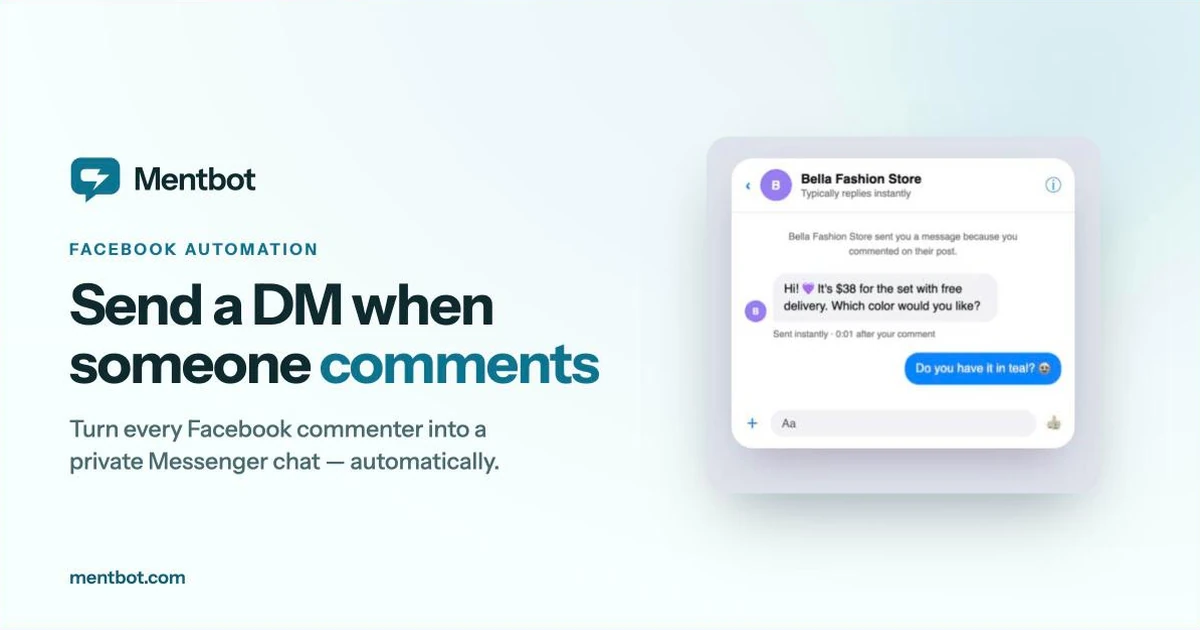
Here’s a Facebook rule most page owners don’t know: your page can’t message a user first — unless they comment on one of your posts. A comment opens a one-time window to send that person a private Messenger message. Automate it, and every “How much?”, “Interested!”, and “CF” under your posts becomes a private conversation where you can quote, upsell, and close.
This post shows the three ways to send an automatic DM when someone comments on your Facebook post, from free to fully automated, with the setup steps for each.
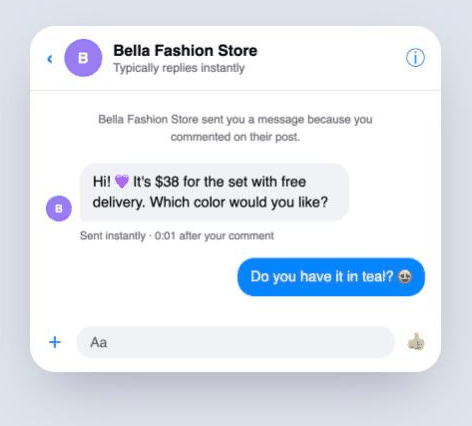
What the commenter sees: an instant private reply in Messenger, seconds after they comment on your post.
The mechanic behind every tool in this post is Facebook’s private replies feature. When a user comments on a page’s post, Facebook permits the page to send exactly one private message in response to that comment. A few things to know:
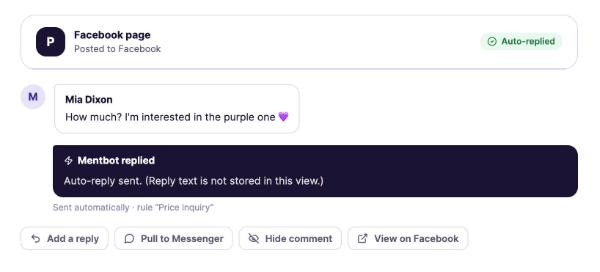
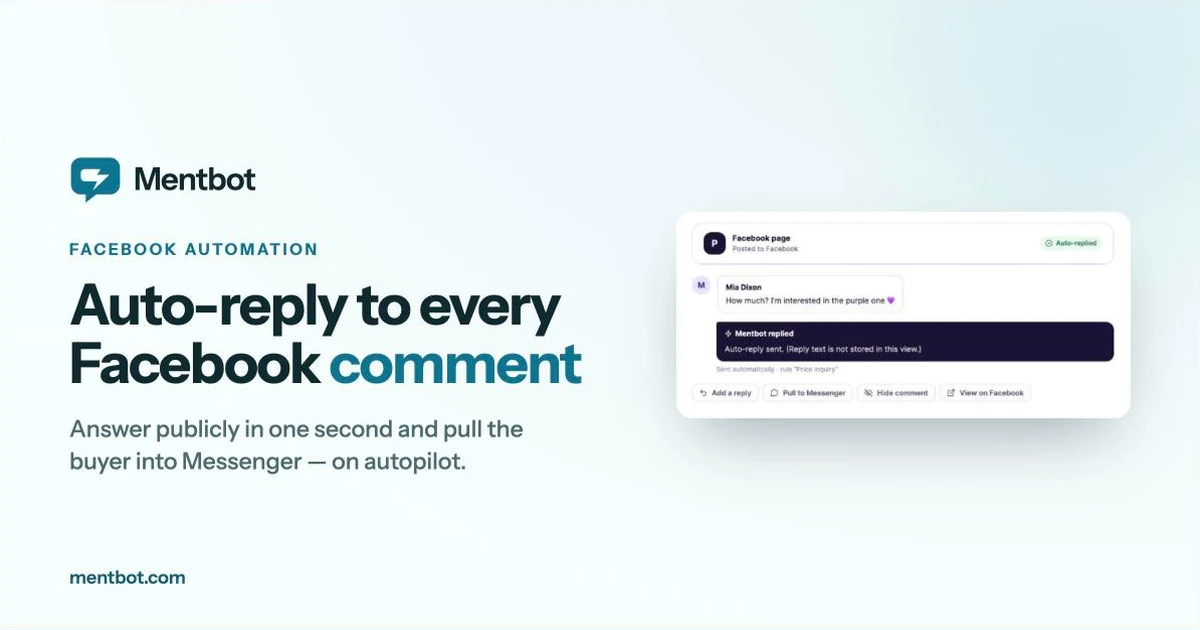
The comment gets an instant public reply and a private DM — then you can pull the buyer fully into Messenger or hide the comment.
That one-message window is why the content of the first DM matters so much — more on that at the end.
Facebook’s own automation can DM commenters without any third-party tool.
Setup:
Good for: pages with light comment volume that want a DM sent whenever a comment contains a set word, like “price”.
Limitations: there’s no public reply component, no comment hiding in the automation, and no stats, so you’ll never know how many commenters it actually converted. Meta’s help pages don’t say whether it can be limited to specific posts, and they disagree on whether it matches keywords or only hashtags — test it on a post of your own first. Checked against Meta’s Business Help Center, 15 September 2026.
ManyChat’s “Comments Growth Tool” triggers a bot flow when someone comments a keyword on a chosen post.
Setup (simplified):
Good for: marketers running multi-step campaigns — comment “GUIDE” to get a lead magnet, quiz funnels, drip sequences across Facebook and Instagram.
Limitations: you set it up per-post and per-flow, which is real work when you post daily product content. Pricing scales with contacts, so a viral post can move you up a billing tier. For a seller who just wants every commenter DM’d instantly, it’s a lot of machinery.
Mentbot is purpose-built for the comment-to-Messenger motion: when someone comments, it posts a short public reply and sends the private DM at the same time, then alerts your team if the resulting conversation goes unanswered.
Setup:
That’s it — most pages are live in about five minutes, and the automation then runs on every future post that matches your rules. No per-post setup.
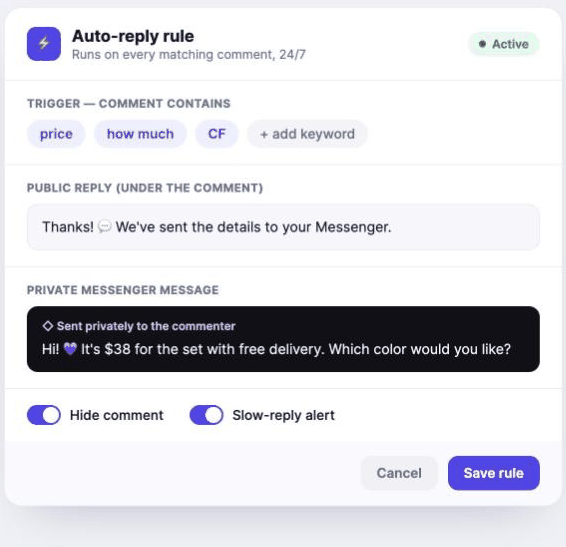
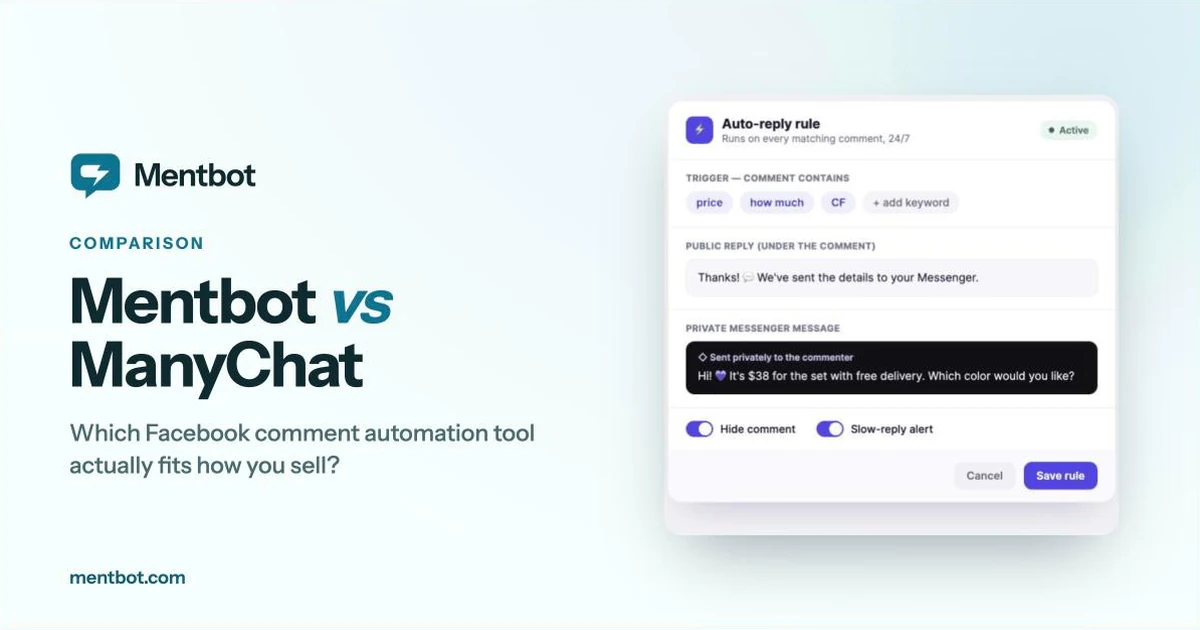
One rule covers every future post: set your trigger keywords, the public reply, and the private DM — then Mentbot runs it 24/7.
Good for: sellers and busy pages that want every commenter pulled into Messenger around the clock, with daily stats on replies and response times. Plans start at $9/month with every feature included and unlimited pages.
Limitations: it’s not a general-purpose bot builder — if you need branching conversational flows and drip campaigns, ManyChat is the better fit. For a deeper head-to-head, see our Mentbot vs ManyChat comparison.
Whichever you choose, automating the DM beats not automating it. The window to message a commenter opens the moment they comment — and your reply speed decides whether it becomes a sale.
Since Facebook gives you one message before the user replies, don’t waste it on “Thanks for your comment!” A first DM that converts does three things:
If the user replies, the window is open for good: order confirmation, follow-ups, restock announcements. That’s the real prize — a comment is one engagement, but a Messenger contact is a customer channel.
Can my page DM someone who liked the post but didn’t comment? No. Reactions don’t open the private-reply window — only comments do.
Do deleted comments still get the DM? If the DM was sent before deletion, it stays delivered. Mentbot replies in under a second, so even quickly-deleted comments usually get the message.
Can I send different DMs for different keywords? Yes — with keyword rules (Mentbot and ManyChat), “price” can get your price list while “shipping” gets delivery info.
Is auto-DM’ing commenters against Facebook’s rules? No — private replies are an official feature, and all three tools here use the official API with permissions you grant.
The fastest way to feel the difference is to run it once: connect your page to Mentbot’s free 14-day trial, set one keyword rule, and publish a post. The next “How much?” will be a Messenger conversation before you’ve even seen the notification. No card required.