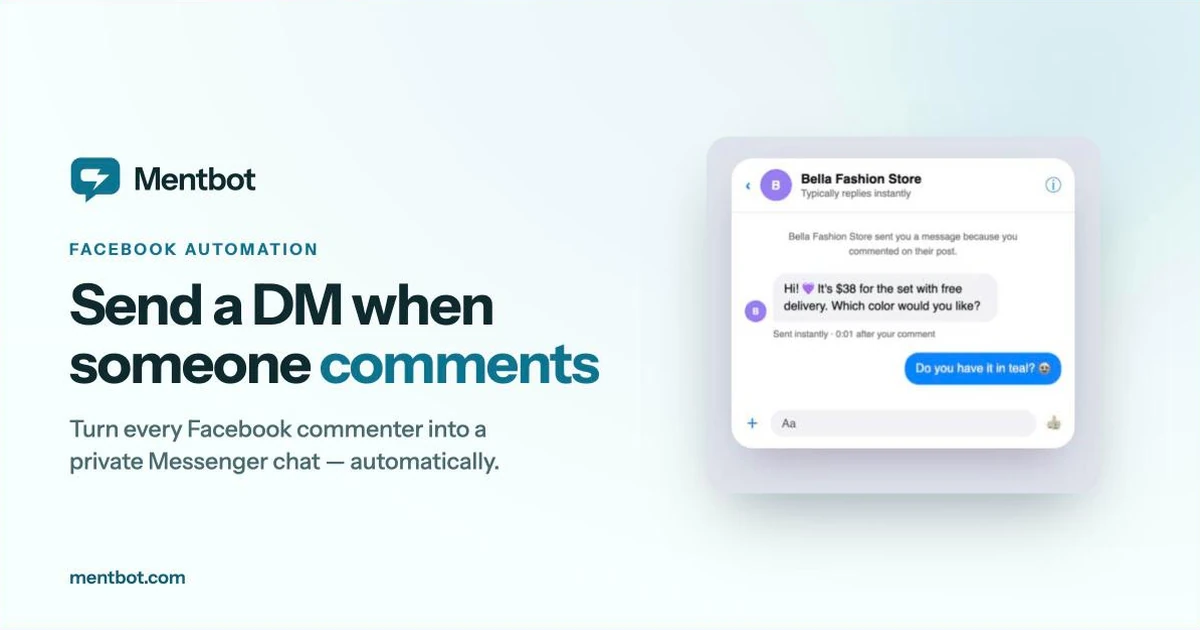
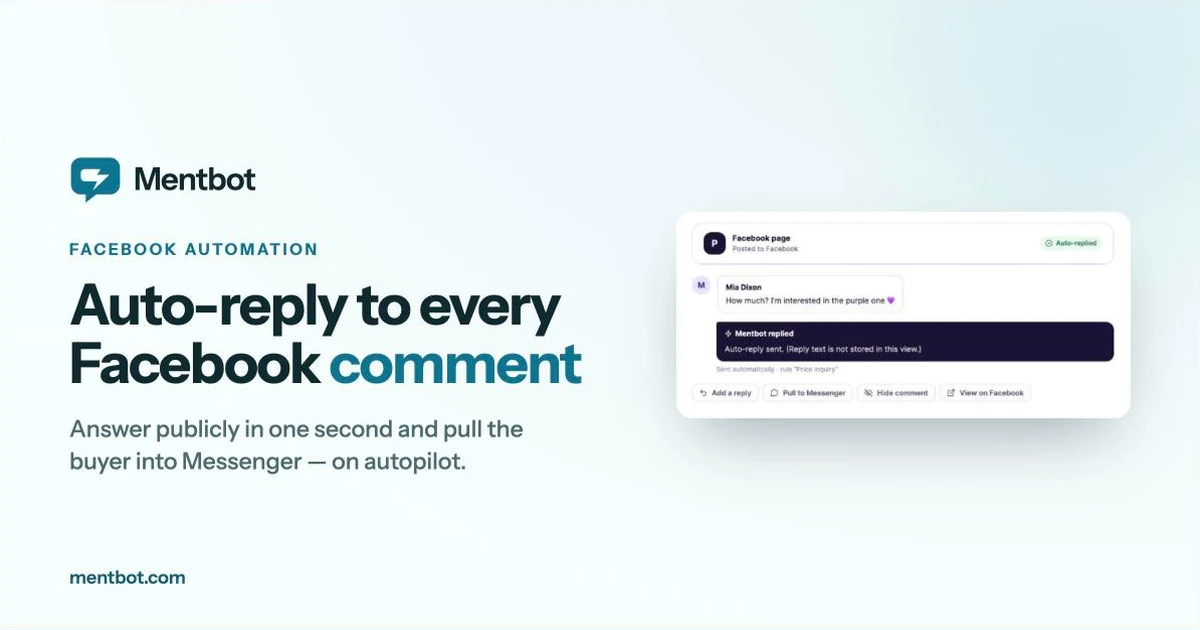
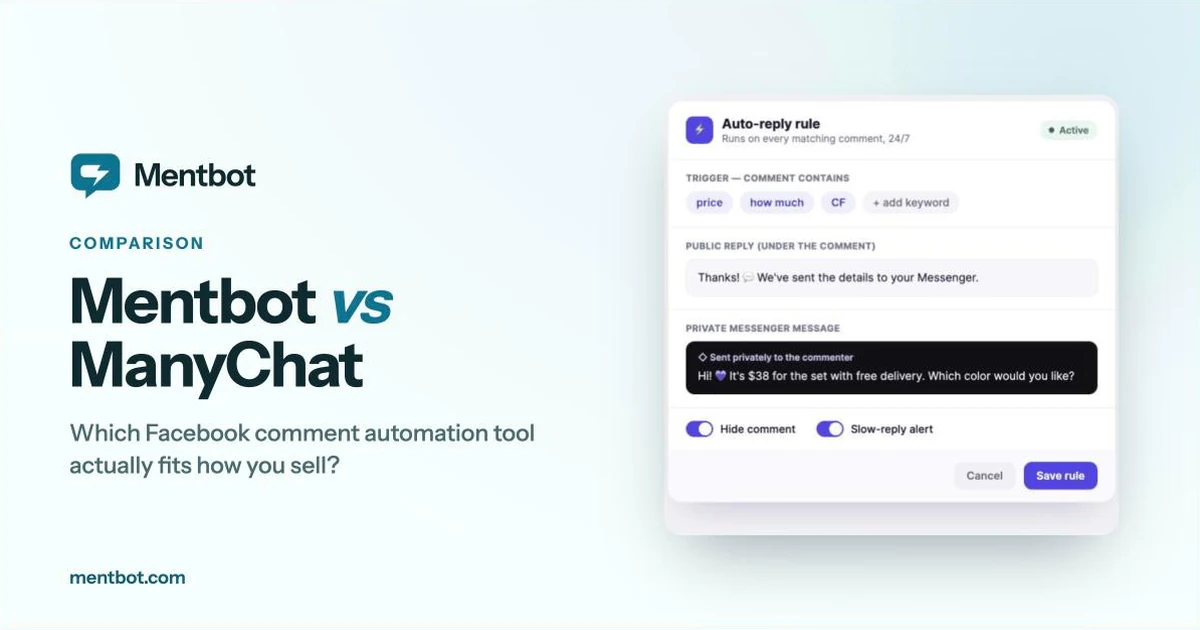
9:42 PM, mid-livestream. Someone types “price??” under the item you’re holding up, and by the time you’ve picked up the next one, two things have already happened without you touching your phone: a reply appeared under their comment, and a separate message landed in their Messenger inbox. Nobody explains that pairing when you turn it on — it just runs, or it doesn’t. This post is the explanation: what “comment-to-DM” actually does, the one rule Meta puts on every tool that does it, and why the public reply and the private message are a pair, not a choice between them.
Strip away the branding and it’s two Facebook actions triggered by one event:
Both ride on official Facebook mechanisms — a normal comment reply for the first, and Meta’s private reply feature for the second. Neither requires the commenter to opt in or message your page first; the comment itself is what grants a page permission to send that one private message. That’s the whole trick. Everything else — keyword matching, which post it applies to, what the message says — is configuration on top of those two calls.
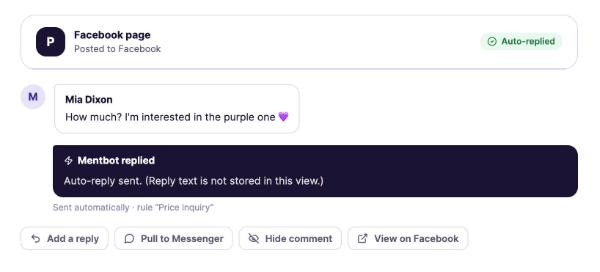
One comment, two automated actions: a public reply under the comment, and a private message the commenter sees in Messenger.
Meta’s own documentation is specific about what a page can and can’t do with that private message: it must be sent within 7 days of the comment being made, and only one private reply can be sent per comment — you don’t get a second try, a follow-up nudge, or a retry if the first message didn’t land right (Meta for Developers, Private Replies).
Two things follow from that constraint, and they explain most of what these tools are actually built around:
One more detail worth knowing: if the commenter replies to that private message, the one-message limit stops applying. It becomes a normal two-way Messenger conversation from there — order confirmation, “what colors do you have,” restock pings, all of it. The 7-day, one-message rule only governs how that conversation gets opened, not what happens once it has.
It would be simpler to build a tool that only does one of these two actions, and plenty do. The reason Mentbot pairs them by default comes down to who’s watching each half.
The public reply is for everyone else in the thread, not the person who commented. In a live-selling comment section with dozens of “price??” and “CF” stacking up in real time, other browsers are deciding whether to bother commenting based on whether your last five comments got answered. A thread with unanswered comments looks like a page that’s gone quiet — even if every one of those commenters already got a private message you can’t see from outside the thread.
The private message is for the one person who commented, and it’s where the actual sale happens: price, stock, a link, a question answered directly instead of in front of a hundred strangers.
Skip the public half and your comment section looks abandoned while private conversations are actually running fine underneath it. Skip the private half and you’ve replied to everyone but moved nobody into a channel where you can actually close anything — which is the whole argument for auto-replying to Facebook comments in the first place: the public reply on its own was never the point.
If you’ve set up ManyChat’s or Chatfuel’s comment-growth tools before, you already know the private-message half well — that’s the core of what those platforms do. What’s worth knowing is that nothing in Meta’s rules requires the public reply to travel with it. A comment-triggered flow can be built to fire the private message and leave the public comment exactly as it was; the pairing is a configuration choice on a flow builder, not something the platform enforces.
That choice matters more in a comments section than it looks like it should, for the reason above — everyone scrolling the thread sees whether the public side got answered, not just the one person who received the DM. It’s also why flow-based tools tend to treat the public reply as one more block to remember to add on every campaign, while a tool built only around comments — full comparison here — treats the pair as the default, because it’s running the same two actions on every post instead of rebuilding a flow each time one goes up.
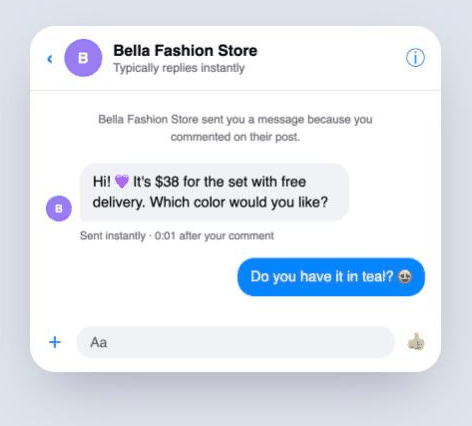
What the commenter sees on their side: a private reply in Messenger, tied to the comment they just left.
The setup is one rule, not one flow per post: pick the scope (all posts, posts with a hashtag, or comments matching keywords), write the public reply and the private message, and every future matching comment gets both automatically — no rebuilding it for tomorrow’s product photo. Auto-like and auto-hide run on the same rule if you want them, and every plan — $9/mo up to $49/mo, scaled only by how many comments a day you handle — includes the full rule engine. Every signup gets a 14-day free trial with full Pro-plan access, no card required, on unlimited pages.
Can my page message someone who reacted to a post but didn’t comment? No. A reaction doesn’t open the private-reply window — only a comment does.
What happens if I try to message someone more than 7 days after their comment? Meta blocks it. The private-reply window is closed at that point; if you never sent one, that comment can’t generate a private message anymore, though you can still reply to it publicly.
Can I send a different private message for different keywords? Yes — keyword rules let “price” trigger one message and “shipping” trigger another, each paired with its own public reply.
Is comment-to-DM against Facebook’s rules? No. Private replies are an official Page feature. What breaks the rules is anything that isn’t going through Meta’s API with permissions you grant — browser scripts faking button clicks, or tools asking for your Facebook password.
The fastest way to see the difference between a public reply alone and the paired version is to run it once. Connect a page at app.mentbot.com, set one rule with both a public reply and a private message, and publish. If you’d rather see the free, ManyChat, and Mentbot ways to do this side by side first, the full walkthrough of all three methods covers setup steps for each. Full product details live at mentbot.com.