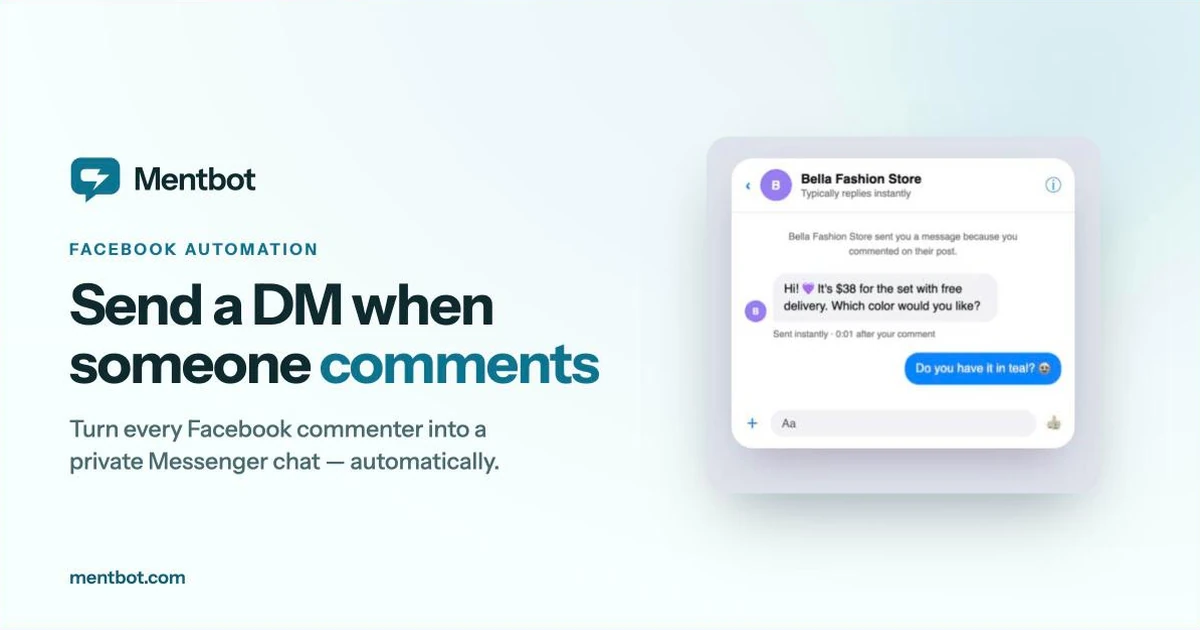
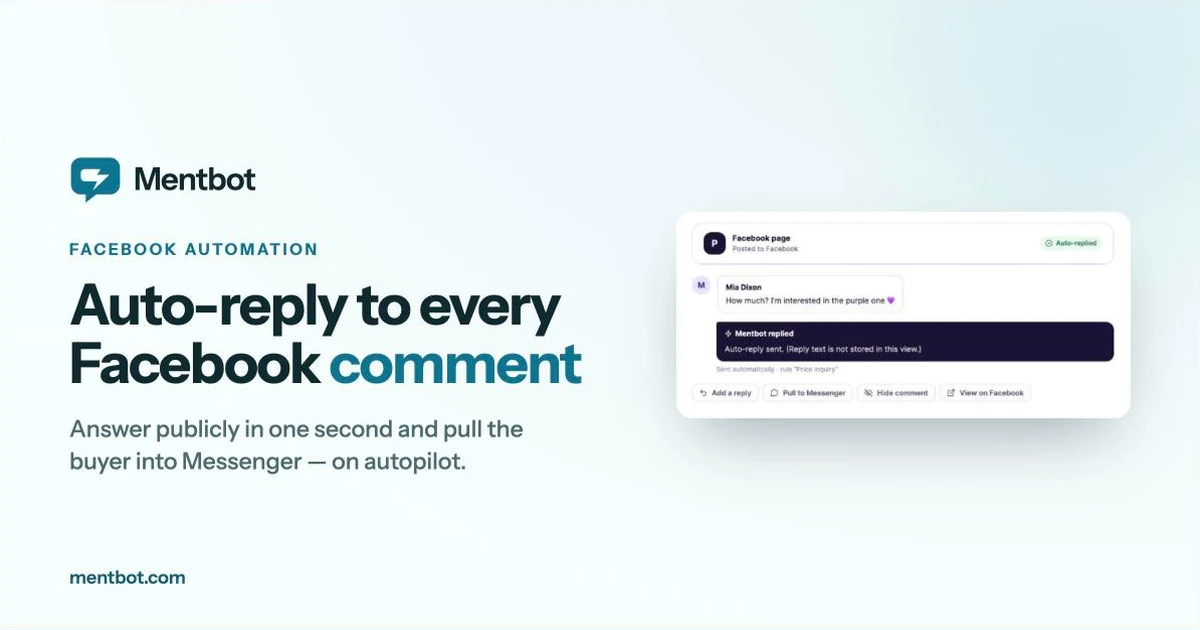
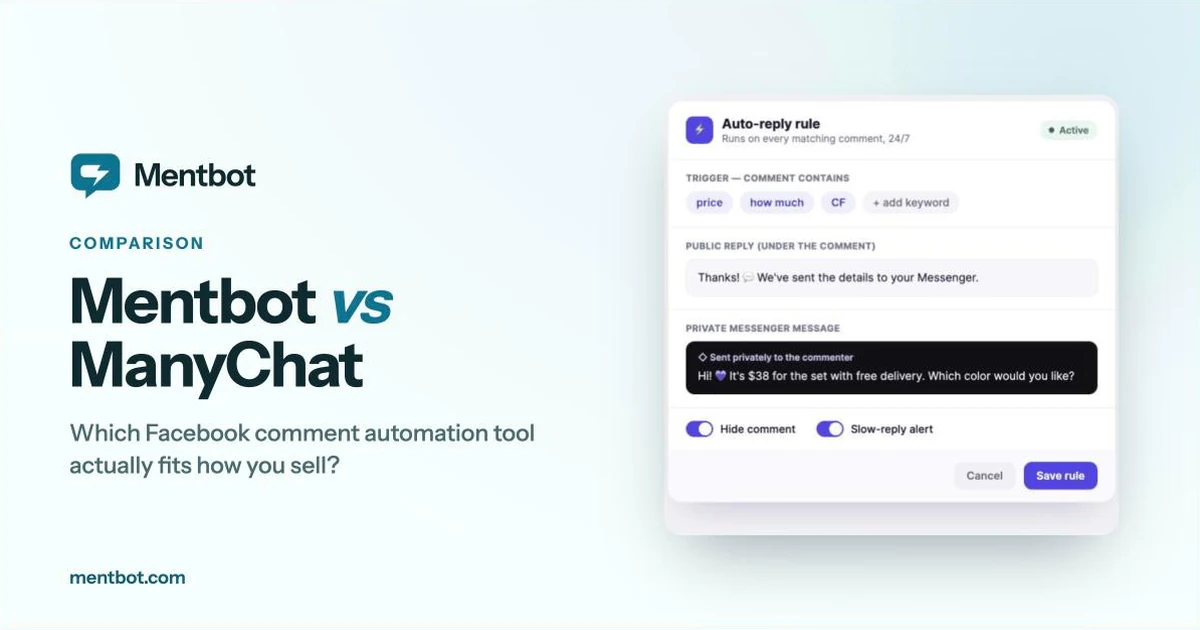
Post a product, and within minutes the comments fill up with “How much?”, “Interested”, “CF”, and “inbox please”. Every one of those is a buyer who raised their hand in public — and anyone browsing your post can see the whole list.
Competitors do exactly that. They scroll your comment section, message your commenters directly, and undercut you before you’ve finished replying. Meanwhile the comment thread itself tells every future visitor what you charge and who’s buying.
Hiding comments solves both problems, and Facebook has a built-in mechanism for it that most sellers never use.
Hiding is not deleting, and the difference matters.
When you hide a comment on a Facebook Page post:
That last set of properties is what makes hiding useful commercially rather than just for moderation. The buyer never feels censored or ignored — especially if you replied to them publicly first — but the queue of interested customers stops being a public list your rivals can work through.
Deleting, by contrast, removes the comment for everyone including the author. If they come back and see their question gone, that reads as being silenced. For sales comments, hiding is almost always the right tool; save deleting for abuse and spam.
Four practical reasons:
Stop competitor poaching. This is the big one for anyone selling in a crowded niche. A public comment section is a lead list, and it’s free for your competition to harvest.
Keep prices out of public view. If you answer “how much?” publicly, every visitor and rival sees your pricing, and you lose the ability to quote differently for bundles, wholesale, or returning customers.
Keep the post looking clean. Fifty near-identical “CF” comments make a post look chaotic and bury genuine questions from people who need an actual answer.
Reduce copycat ordering. In live selling and drop-based sales, visible comment queues let people game the order — or discourage them when a product looks sold out when it isn’t.
Hover the comment → click the three dots → Hide comment. Works on desktop and in Meta Business Suite.
Fine for a handful of comments. Unworkable at fifty a day, and hopeless overnight — the comments most worth hiding are the ones that sit exposed for eight hours while you sleep.
Facebook has some automatic options, in two places: Moderation Assist in your Page’s professional dashboard (Engagement → Tools), and a word list plus profanity filter in your Page’s Settings under Followers and public content:
Checked against Meta’s Moderation Assist help page, 15 September 2026.
The catch: these are built for moderation, not selling. They can hide the word “price” if you blocklist it, but they can’t reply first and then hide, a keyword can’t tell a real buyer from a spammer, and while Moderation Assist logs what it hid, nothing tells you whether anyone followed up. Blocklisting your own sales keywords also means genuine questions vanish before you’ve answered them — which is worse than doing nothing.
The sequence that actually works for sales is:
Order matters. Reply first, hide second. The buyer gets a visible, immediate answer and a private message; everyone else sees a responsive page instead of a lead list. Nobody feels ignored, because nobody was.
Mentbot runs this whole sequence automatically on every matching comment. You set it once — choose all posts, posts carrying a hashtag, or only comments containing your keywords — and it applies to every future post with no per-post setup. Plans start at $9/month with a 14-day free trial.
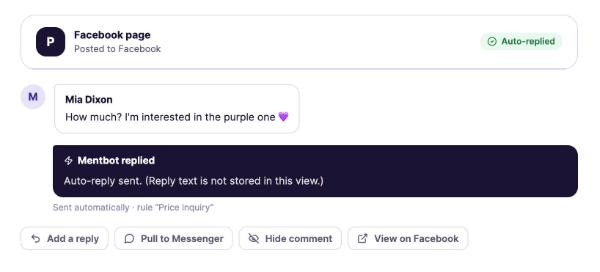
Reply, pull into Messenger, hide — the three actions that turn a public comment into a private sale.
Hiding is a tool, not a default. Used carelessly it costs you more than it protects.
Don’t hide genuine questions you haven’t answered. If someone asks about sizing or delivery and you hide it without replying, you’ve silently ignored a customer. Reply first, always.
Don’t hide complaints. Hiding an unhappy customer doesn’t make them less unhappy — it makes them screenshot it. Answer publicly, resolve it publicly. A well-handled complaint in view of other buyers is worth more than a hidden one.
Don’t hide social proof. “I ordered last month, great quality!” is the most persuasive thing on your post. Leave it up.
Don’t hide everything on every post. A post with visible engagement performs better and looks alive. Hiding indiscriminately produces a ghost town that Facebook’s ranking and your visitors both read as low-quality.
The useful rule: hide buying-intent comments after you’ve answered them, and leave everything else alone. Keyword targeting is what makes this practical — automate hiding on “price”, “CF”, and “how much”, not on every comment that arrives.
Does the commenter know I hid their comment? No. Facebook doesn’t notify them, and they still see their own comment normally when they visit the post. Their friends see it too.
Can I unhide a comment later? Yes, at any time, and it becomes publicly visible again.
Does hiding comments hurt my post’s reach? Hidden comments still count as engagement, so the interaction itself isn’t lost. What can hurt is the second-order effect: hiding all comments makes a post look inactive to human visitors, which reduces the replies and shares that do drive reach. Hide selectively.
Is hiding comments against Facebook’s rules? No. Hiding is a standard Page moderation feature, and tools that automate it work through the official Pages API with permissions you grant.
Should I hide or delete? Hide for sales comments — the buyer never notices and you keep the option to reverse it. Delete only for abuse, scams, or spam.
If comments are where you sell, the reply-then-hide sequence is worth automating rather than doing by hand fifty times a day.
Start a free 14-day trial of Mentbot — connect your page, set one keyword rule, and every matching comment from then on gets answered publicly, pulled into Messenger, and hidden from your competitors. No card required, cancel anytime.